複製安裝指令
使用下方為你的平台準備好的完整指令。
ONE SENTENCE WALLPAPER SKILL
不用自己下載與打開設定。告訴 Codex 或 Claude 想要什麼,它會搜尋本站 API、下載正確尺寸並替你套用。
幫我換一張暗色的帥龍 4K 桌布
CODEX / CLAUDE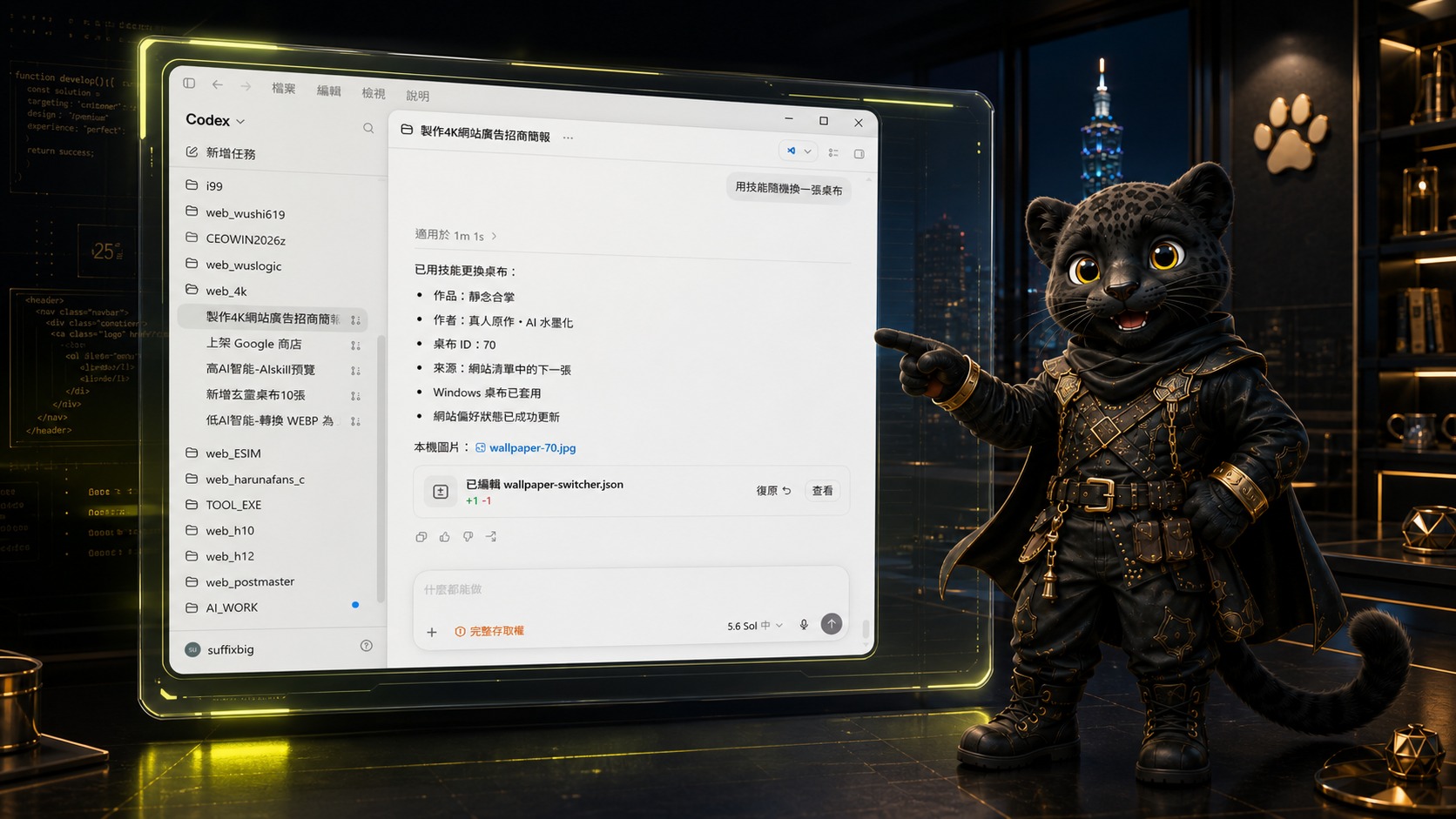
INSTALL SKILL
安裝後可說「換桌布 墨凡的畫」隨機套用符合條件的作品,或說「搜桌布 墨凡」直接開啟搜尋結果。
使用下方為你的平台準備好的完整指令。
AI 會建立可辨識換桌布與「搜桌布」的本機技能。
AI 會下載、驗證並直接套用 Windows 桌布。
例如:「搜桌布 墨凡」或「換桌布 墨凡的畫」。
請下載並安裝 https://raw.githubusercontent.com/suffixbig/4k/main/downloads/codex/SKILL.md(帥龍萌姬桌布館 v1.117)。依 SKILL.md 處理「換桌布」、帶條件換桌布,以及搜尋桌布指令。下載 Codex SKILL.md
此技能不支援 ChatGPT 網頁版、Gemini 或其他 AI 平台安裝。
SKILL.MD PREVIEW
目前預覽 Codex 專用檔案;切換平台後,這裡會同步顯示對應的 SKILL.md。
---
name: wallpaper-switcher
description: "Codex skill for 帥龍萌姬桌布館 commands: 換桌布 to apply the next local Windows wallpaper; 換桌布 with a condition to randomly apply a matching wallpaper; and 搜桌布 followed by conditions to open or return the matching website search URL."
---
# 帥龍萌姬桌布館 Codex 搜尋與換桌布技能
Skill version: v1.117
This skill is for Codex on the local Windows PC only. Never change a remote host wallpaper. Do not ask for confirmation before changing the local wallpaper.
## Triggers
- `換桌布`: select the next catalog item, or the random fallback when the current ID is unknown.
- `換桌布 <條件>`: select one random item matching the condition. Examples: `換桌布 墨凡的畫` and `換桌布 綠色系 AI 桌布`.
- `搜桌布 <條件>`: return and, when browser control is available, open `https://4k.1-0.tw/search?orientation=1&q={urlencoded 條件}`. Examples: `搜桌布 真人綠色系畫作` and `搜桌布 真人墨凡桌布`.
Recognize work title, creator, colors, and `真人` / `AI 創作` as search conditions. This Windows PC skill always requests landscape wallpapers, so every catalog, search, and change request must include only `orientation=1` for the layout filter. Do not send a `device` parameter. Keep the condition after removing only the trigger phrase and optional `的畫` / `桌布` wording.
## Change workflow
1. Read `$HOME/.codex/state/wallpaper-switcher.json`. If absent, create a UUID `client_id` and set `current_wallpaper_id` to `null`.
2. For the bare trigger, call `GET https://4k.1-0.tw/api/automation/change_now?orientation=1&client_id={client_id}¤t_wallpaper_id={current_wallpaper_id}`.
3. For a conditioned trigger, use the same required `orientation=1` parameter and add `&q={urlencoded 條件}`. Do not send `device`. Do not fall back to an unrelated wallpaper.
4. If `decision` is `no_result`, report `沒有符合條件的桌布。` and do not alter the system or state.
5. Require `ok: true`, `decision: change`, `api_version`, `wallpaper.id`, `wallpaper.orientation: "landscape"`, and a HTTPS `wallpaper.download_url` on `4k.1-0.tw`. When width and height are present, also require `width > height`. Accept `source` only as `next_in_catalog`, `random_fallback`, or `search_random`.
6. Run `scripts/set-wallpaper.ps1 -Url <download_url> -WallpaperId <id>`. The script downloads below `$HOME/.codex/state/wallpapers`, verifies image size and dimensions, then applies it to Windows.
7. Only after the script succeeds, write `wallpaper.id` to `current_wallpaper_id`.
8. Call `POST https://4k.1-0.tw/api/preferences/read` with JSON `{ "client_id": "...", "action": "current_set", "id": "..." }`.
9. Report title, creator, ID, source, and the completed preference update.
## Failure handling
- Do not alter state if API validation, no result, download, image validation, Windows update, or preference update fails.
- Apply `random_fallback` only for a bare `換桌布`; never use it when a condition was supplied.
- Never remove or override the required `orientation=1` filter, even when the user mentions a phone or portrait wallpaper. Never add a `device` parameter.
- Reject a non-HTTPS URL, an unexpected host, a missing ID, or an image smaller than the script validation limit.
ANDROID APP · v2.2.0
Android 8.0 以上適用。完整搜尋本站作品,並選擇兩者皆套、主畫面或鎖定畫面。
在 Windows 使用自然語言搜尋與換桌布,條件不符合時會停止並清楚回報。
手機 App 同步網站分類、尺寸、色系、創作類型與熱門統計。
選圖後可下載圖片,或套用至主畫面、鎖定畫面與兩者。
查看功能並下載 APKAUTOMATION RULES
使用你的 AI 輪播清單,可選永不、每週一或每天 06:00 更換。
固定於 06:00 使用本站推薦的新桌布,避免桌面一成不變。
立即換圖、搜尋、收藏、加入清單與修改平日規則都能直接說。
TRY SAYING
把你的情境說完整:想找誰的作品、什麼色調、真人或 AI、要放在 PC 還是手機;每一張例句都可點擊複製。